Native macOS app switcher for faster keyboard shortcuts.
Open Dock apps by number, use Quick Switch for recent apps, cycle windows, and switch input methods with keyboard shortcuts built for Mac users.
7-day trial · 14-day lowest-price offer
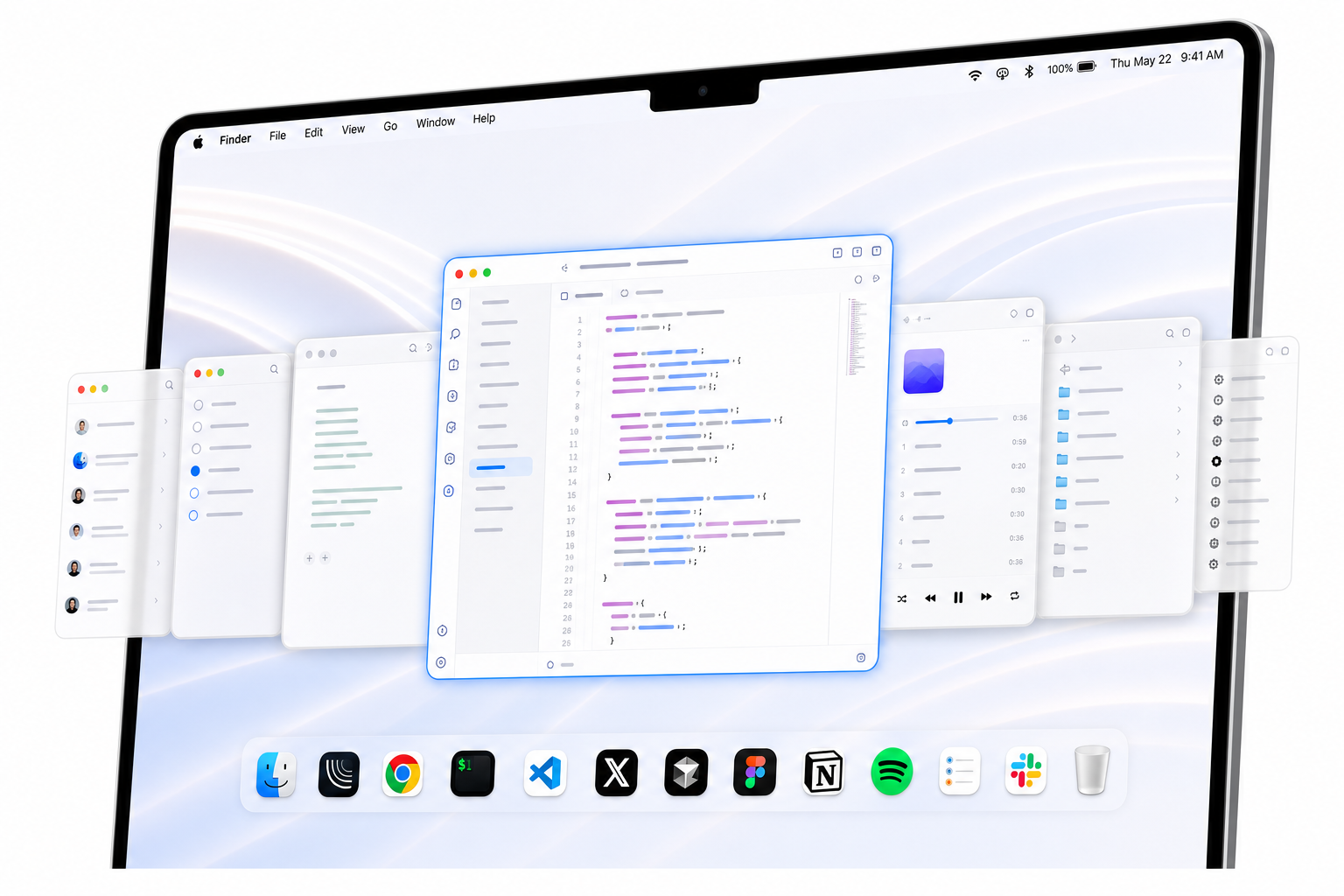
Lyra keeps my daily apps on fixed keys. It feels faster than scanning the Dock.

I can jump between Notes, Figma, and Slack without breaking focus.

The shortcuts are simple enough to become muscle memory in a day.

The switching pieces Lyra covers.
Dock Shortcuts
Open Dock apps with ⌘ 1–9.
Window Cycling
Repeat an app shortcut to cycle its windows, even across Spaces.
Quick Switch
Hold a modifier and choose recent apps with 1–9 or a–z.
Input Methods
Set an input source for each app and apply it after switching.
Double-Tap Recall
Double-tap your Quick Switch modifier to jump back to the previous app.
Why choose Lyra
For people who already know which app they want next.
Not a launcher
No search box, command palette, or plugin setup. Press a shortcut and switch.
More direct than Cmd-Tab
Cmd-Tab follows recency. Lyra gives important apps fixed, memorable shortcuts.
Lighter than Raycast or Alfred
Those tools do a lot. Lyra focuses on one daily habit: getting to the right app fast.
Less fragmented, lower commitment
Mac switcher workflows often split across paid window switchers, launchers, and narrow utilities. Lyra keeps fixed app shortcuts, recent-app switching, App Peeking, window cycling, and input methods in one focused app.
More flexible than rcmd
Use your own shortcut layout instead of depending on app letters.
Built for muscle memory
Keep Chrome, Slack, Terminal, Notes, and other daily apps on predictable shortcuts.
Simple, one-time purchase.
Direct Edition
One-time purchase
7-day trial included · lowest price for 14 days
- Launch price, regular $9.99
- Includes Quick Switch and Smart Cycle
- Direct license and app updates
App Store Edition
One-time purchase
- App Store price
- Dock and manual app shortcuts
- Focused shortcut essentials
No account
Lyra works offline. No sign-in or cloud required.
No tracking
We don't collect data. Ever.
Local settings
All preferences stay on your Mac.
Questions people ask about Lyra
What is Lyra?
Lyra is a keyboard-first macOS app switcher for opening Dock apps by number, assigning manual app shortcuts, cycling app windows, switching recent apps, and applying per-app input methods.
How is Lyra different from Command-Tab?
Command-Tab follows recent app order. Lyra gives important apps fixed shortcuts, so apps like Chrome, Slack, Terminal, Notes, and Figma stay on predictable keys.
How is Lyra different from launchers like Raycast or Alfred?
Raycast and Alfred are command launchers. Lyra focuses on app switching: fixed app shortcuts, window cycling, recent-app switching, App Peeking, and input method switching.
Does Lyra collect analytics or require an account?
Lyra does not require an account and stores settings locally on your Mac. It does not collect analytics, browsing history, clipboard contents, documents, or cloud-synced profile data.