
Quick answer
Choose Lyra if you already know the app you want. Choose Contexts if you want to type a few letters, browse matching windows, or keep a sidebar switcher on screen.
Feature and price comparison
| Category | Lyra | Contexts |
|---|---|---|
| Primary workflow | Jump to a known app with fixed shortcuts and Quick Switch. | Search, improved Command-Tab, sidebar, and gestures. |
| Keyboard shortcuts | Automatic Dock shortcuts and manual app shortcuts. | Search query shortcuts and switcher shortcuts. |
| Recent app switching | Quick Switch with 1-9 / a-z keys. | Window-oriented switching and search. |
| Input methods | Switch input source after Lyra focuses an app. | Not a core use case. |
| Scope | App switching with a small set of actions. | Broader window navigation surface. |
| Price | $5.99 Direct launch price; $0.99 App Store price; one-time purchase. | $9.99 license. Last checked May 29, 2026. |
How the workflows differ
Lyra
Best when you bounce among the same work apps all day and want each one on a stable key. You press the shortcut and land there immediately.
Contexts
Best when you remember part of a window title or want to inspect a list before choosing. Search and sidebar navigation matter more than memorized app keys.
When Lyra is the better fit
- You want Slack, Terminal, Safari, Notes, or Figma on fixed shortcuts.
- You want recent-app switching without turning every switch into a search task.
- You want input source changes tied to the app you just focused.
- You prefer a short setup over a broader navigation system.
Migration from Contexts to Lyra
- Identify apps you switch to by name most often.
- Assign those apps stable Lyra shortcuts instead of relying on search.
- Enable Quick Switch for recency-based movement.
- Add input methods for apps that need language-specific typing.
- Keep Contexts if window search or sidebar switching remains your main workflow.
Purchase decision matrix
| Need | Better fit | Reason |
|---|---|---|
| Fixed app shortcuts | Lyra | Lyra is built around Automatic Dock shortcuts and Manual app shortcuts. |
| Search by app or window text | Contexts | Contexts publicly positions Fast Search as a core workflow. |
| Sidebar navigation | Contexts | Contexts includes a sidebar-style window switcher. |
| Lower Lyra App Store entry price | Lyra | Lyra App Store Edition is listed at $0.99. |
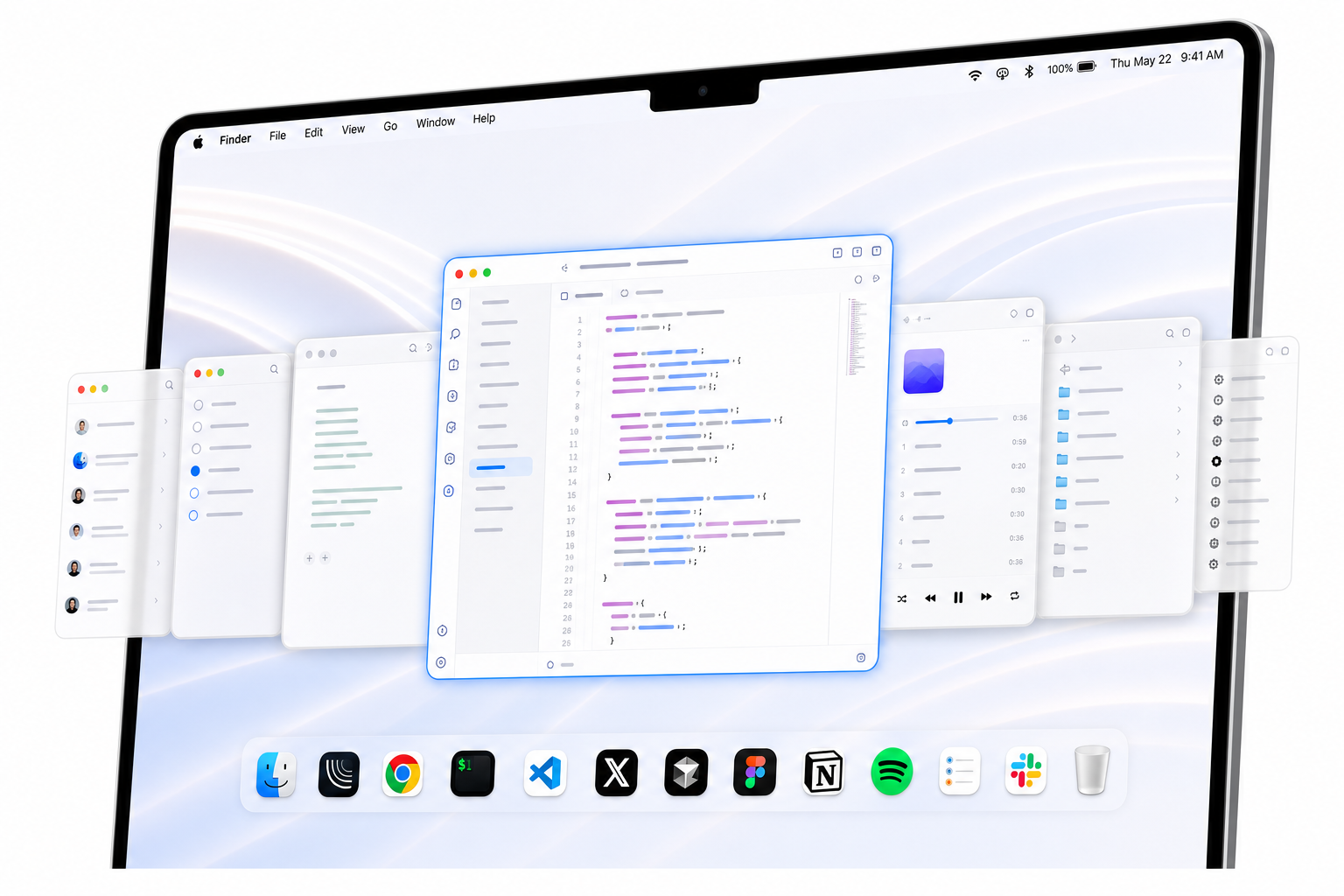
Screenshot
Sources and verification
Last checked: May 29, 2026. Lyra information comes from Lyra's pricing page, machine-readable pricing file, README, and app feature documentation. Contexts information comes from its public product and pricing page, which describes Fast Search, a better Command-Tab, Sidebar, gestures, and a $9.99 license. Competitor source pages are reviewed for accuracy but are not linked here.
Related comparisons
Lyra vs AltTab · Lyra vs Witch · Best macOS app switchers · Keyboard shortcuts for Mac apps
Is Lyra a search switcher?
No. Lyra is for jumping to known apps, not searching through windows.
Why choose Lyra over Contexts?
Choose Lyra when the same few apps dominate your day and you want them on fixed shortcuts.
Can Lyra replace Contexts for sidebar switching?
No. If a sidebar or search list is central to your workflow, Contexts is still the better fit.