Quick answer
Choose Lyra if you usually think in apps: Terminal, Slack, Safari, Notes, Figma. Choose AltTab if you usually think in windows and want to scan thumbnails before deciding.
Feature and price comparison
| Category | Lyra | AltTab |
|---|---|---|
| Primary workflow | Jump to a known app with fixed shortcuts, Quick Switch, and app actions. | Pick from open windows with previews. |
| Keyboard shortcuts | Dock shortcuts, manual shortcuts, Quick Switch keys. | Window-switching shortcuts; more shortcuts in Pro. |
| Recent app switching | Quick Switch with held modifier and 1-9 / a-z keys. | Move through a window list. |
| App Peeking | Repeat shortcut to hide target app. | No equivalent repeat-to-hide flow. |
| Input methods | Per-app input method switching. | Not a core use case. |
| Price | $5.99 Direct launch price; $0.99 App Store price; one-time purchase. | Core free; Pro $9.99; Pro Lifetime $24.99. Last checked May 29, 2026. |
How the two tools feel in daily use
Lyra
You decide the app first, then press its shortcut. It works best when the same handful of apps stay open all day and you want muscle memory instead of a chooser.
AltTab
You open a switcher, look through window previews, and then pick the right one. That works better when your real target is a specific browser window, document, or chat.
When Lyra is the better fit
- You want Xcode, Terminal, Safari, Slack, or Notes to stay on the same shortcut every day.
- You want a fast fallback for recent apps without opening a big preview grid.
- You want to hide an app by pressing its shortcut again after a quick glance.
- You switch keyboard input sources along with apps.
Migration from AltTab to Lyra
- List the apps you open most often instead of every window you switch between.
- Put frequent Dock apps in Lyra Automatic shortcuts.
- Add non-Dock apps in Manual shortcuts.
- Enable Quick Switch if you still need recent-app movement.
- Keep AltTab if visual window previews remain central to your workflow.
Purchase decision matrix
| Need | Better fit | Reason |
|---|---|---|
| Stable shortcuts for known apps | Lyra | Lyra is designed around fixed Dock and manual app shortcuts. |
| Window thumbnails and visual preview selection | AltTab | AltTab is window-preview first. |
| Lowest Lyra entry price | Lyra App Store Edition | Lyra App Store Edition is listed at $0.99. |
| Direct-first Lyra capabilities | Lyra Direct | Lyra Direct includes the full documented feature set and Direct update channel. |
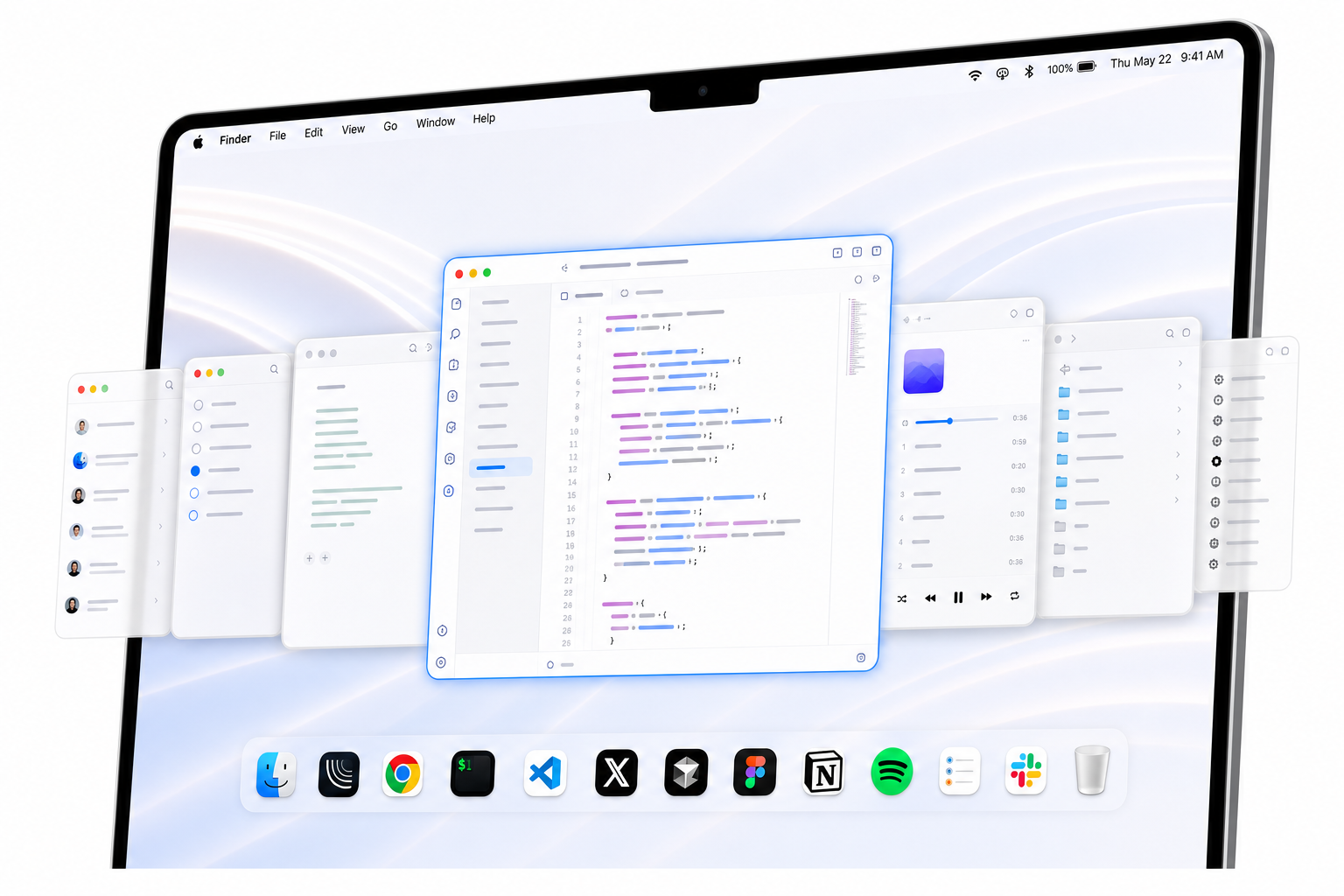
Screenshot
Sources and verification
Last checked: May 29, 2026. Lyra information comes from Lyra's pricing page, machine-readable pricing file, README, and app feature documentation. AltTab information comes from AltTab's public pricing, features, and terms pages. Competitor source pages are reviewed for accuracy but are not linked here.
Related comparisons
Lyra vs Contexts · Lyra vs Witch · Best macOS app switchers · Cmd-Tab alternative for Mac
Is Lyra an AltTab clone?
No. Lyra is closer to "app on a fixed key" than "window picker with previews."
Does Lyra include a one-time purchase?
Yes. Lyra Direct and Lyra App Store Edition are one-time purchases.
Can Lyra replace AltTab for every window workflow?
No. If your day depends on browsing thumbnails of many open windows, AltTab is still the better fit.